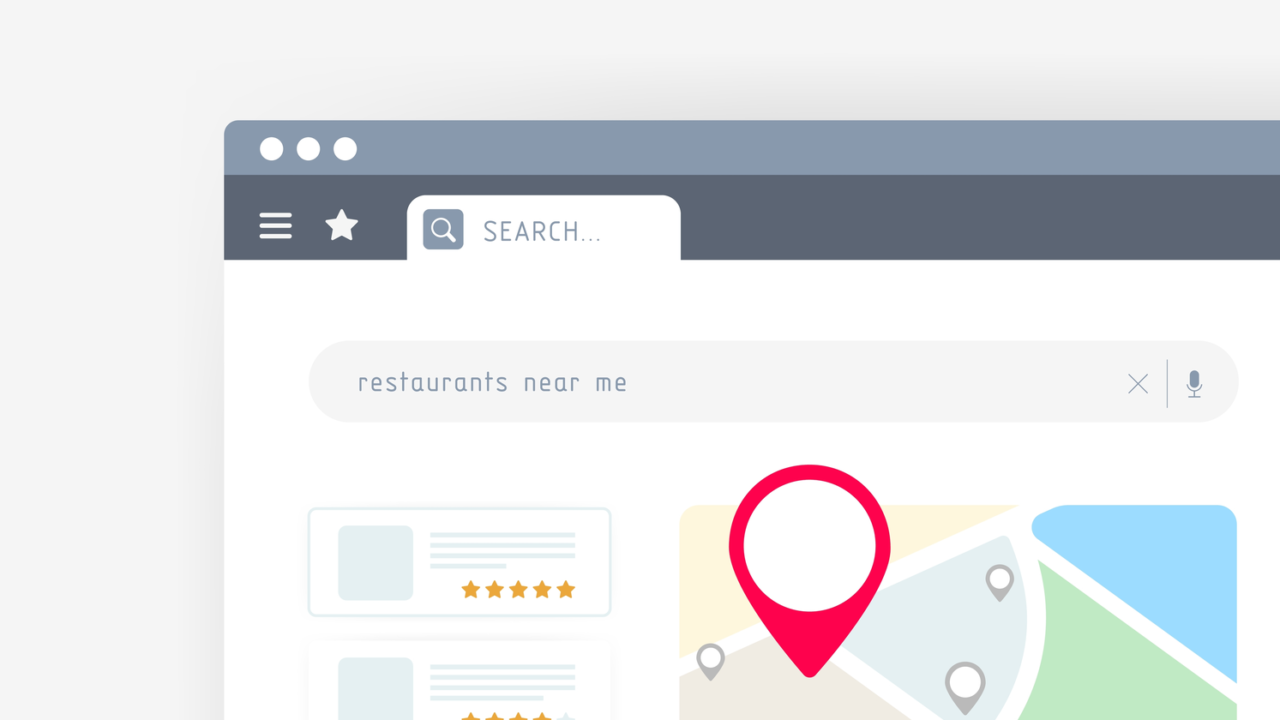
🗺️ How to Rank on Google Maps and Boost Your Local Visibility
📍 Introduction
If you run a local business, showing up on Google Maps can be a game-changer. When people search for services “near me,” appearing at the top of Google Maps results brings more calls, visitors, and sales. In this guide, we’ll explain how to rank higher on Google Maps using proven strategies that actually work.
🧭 What Is Google Maps Ranking?
Google Maps ranking determines how high your business appears when users search for local services. For example, if someone searches “printing service near me,” Google shows a list of nearby businesses. The top three are known as the “Local 3-Pack.”
Getting your business into this top section means more visibility, credibility, and customer trust.
⚙️ Step-by-Step Tips to Rank Higher on Google Maps
1️⃣ Claim and Verify Your Google Business Profile (GBP)
Go to Google Business Profile and claim your listing.
After adding your details, verify it via postcard, phone, or email.
Once verified, you’ll be able to manage your business information directly.
Pro Tip: Make sure your business name, address, and phone number (NAP) are accurate and consistent across the web.
2️⃣ Optimize Your Business Information
Fill out every detail possible in your profile:
- Business category and subcategories
- Working hours
- Contact details
- Website link
- Services or products
- Photos and logo
Google rewards complete and active listings with better rankings.
3️⃣ Add High-Quality Photos and Videos
Profiles with real images perform better.
Upload photos of your store, staff, and services — ideally in bright, clear lighting.
Businesses with high-quality images receive up to 35% more clicks on their listings.
4️⃣ Collect and Respond to Reviews
Customer reviews play a huge role in Google Maps ranking.
Encourage happy customers to leave positive reviews, and always reply — even to negative ones.
It shows you value feedback and are active in managing your business.